Guides
Who inherits your private photos? What an Apple Legacy Contact actually gets
Mehmet Ali Kısacık · Developer of Secure Folder · September 21, 2026 · 4 min read
Updated September 24, 2026
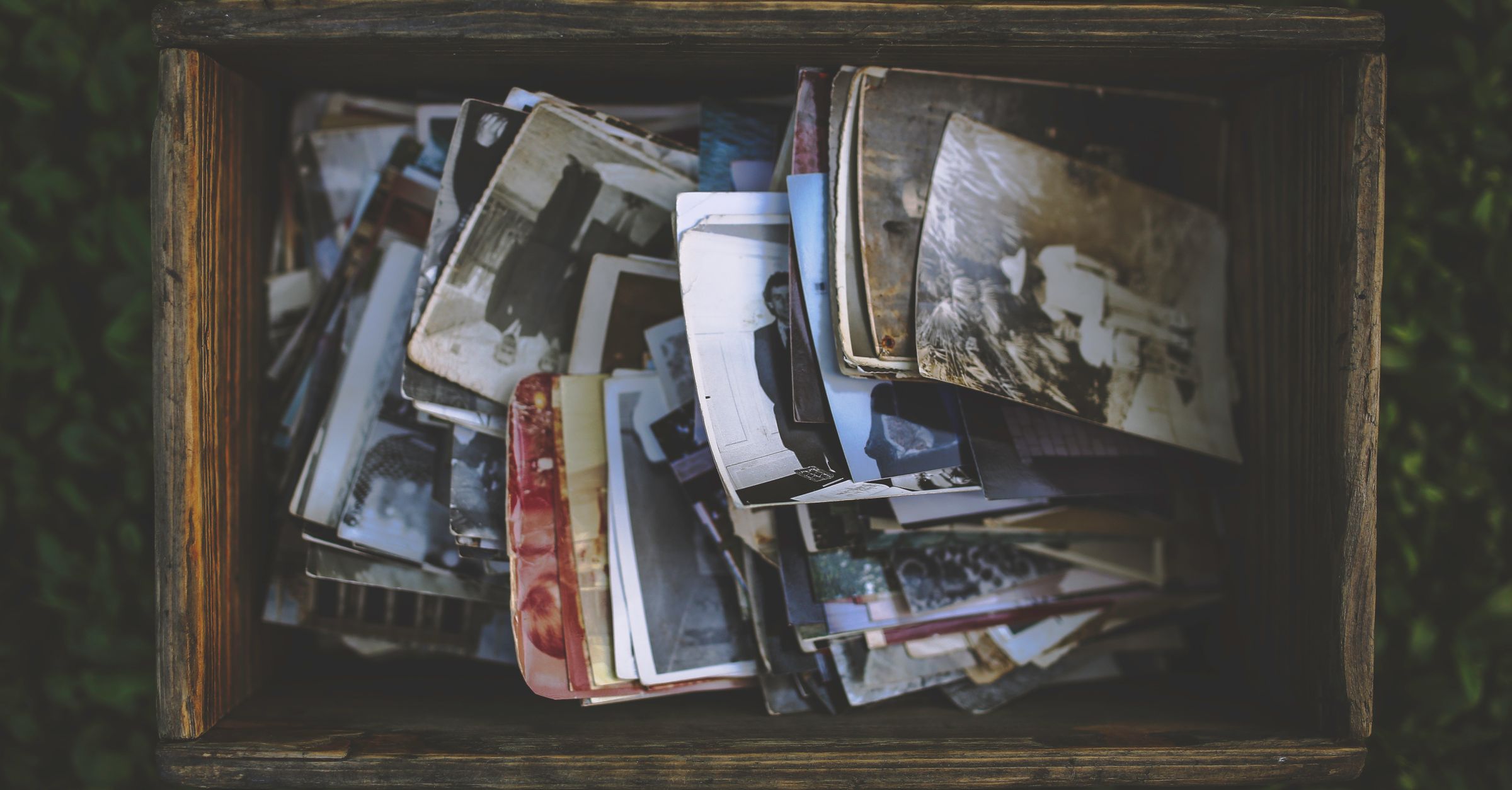
An Apple Legacy Contact can receive your iCloud Photos after your death, including photos you only hid inside Photos. Advanced Data Protection does not block that handover. Secure Folder: Privacy Vault can move selected photos out of Photos.
A Legacy Contact receives the iCloud library, not a hand-picked family album
When you add a Legacy Contact, you are choosing someone in advance to request access to certain Apple Account data after your death. Apple says the request needs the access key created when you added that person and a death certificate. Apple then reviews the request before releasing account data.1,4
The important part is the scope. Apple lists iCloud Photos and anything contained in an iCloud Backup among the data a Legacy Contact can receive. There is no setting to choose only the holiday album, only photos after a certain date, or only the folders you meant for your children.1
| Data | Legacy Contact handover | Why it matters |
|---|---|---|
| iCloud Photos | Included | The photo library is part of the data Apple says a Legacy Contact can access. |
| Hidden album photos | No separate exclusion | Hidden photos remain in iCloud Photos, and Apple lists no per-album exclusion. |
| iCloud Backup | Included | The handover can include content stored inside the account holder's iCloud Backup. |
| iCloud Keychain | Excluded | Passwords, passkeys, and other Keychain data are specifically carved out. |
The Hidden album hides a photo on your devices, but it does not remove it from iCloud Photos
On current iPhone software, the Hidden album is locked by default and requires authentication in Photos. That protects it from ordinary browsing on a device. It does not move the file outside your iCloud Photos library.3
Apple says hidden photos still sync when iCloud Photos is on. Hide a photo on one device and it is hidden on your other devices too. That means the same file still lives inside the iCloud photo library that Apple lists as Legacy Contact data.1,3
So if there are photos you want your family to inherit and a smaller set you do not, using Hidden for the second set does not create that split. The useful question is not whether the photo looks hidden on your iPhone. It is whether the file is still in iCloud Photos.1,3
Advanced Data Protection does not block the Legacy Contact you nominated

Advanced Data Protection makes most iCloud data end-to-end encrypted, including Photos and iCloud Backup. Apple says it does not hold the encryption keys needed to help recover that end-to-end encrypted data.5,6
Legacy Contact works differently. Apple's platform security guide says it uses the same key structure as an account recovery contact: Apple stores an encrypted packet and the beneficiary keeps the AES key. After the security checks, Apple releases the needed keying information and restores access to the deceased person's iCloud data.2
The carve-out is iCloud Keychain. Apple says the beneficiary's keying information does not cover what is needed to decrypt it. Photos are not given the same carve-out. Turning on Advanced Data Protection therefore does not turn a named Legacy Contact into an outsider.1,2
The contrast is clearer on Apple's court-order route for someone who does not have a Legacy Contact access key. Apple warns that some end-to-end encrypted data may be unavailable because Apple cannot decrypt it. That is a different path from the beneficiary key arrangement Apple documents for Legacy Contact.2,7
To keep a photo out of the handover, move it out of iCloud Photos
If a photo must not be part of the iCloud Photos handover, it has to stop being part of iCloud Photos. In Secure Folder, moving a photo into the vault takes it out of the Photos library, so it stops syncing through iCloud Photos.
The check to make before you rely on that move
That is the estate-planning line to draw. Keep the shared history in iCloud Photos if you want your Legacy Contact to receive it. Move the private remainder out of that library if you do not.1
Sources
- 1.Apple, “Data that a Legacy Contact can access,” support.apple.com
- 2.Apple, “Legacy Contact security, Apple Platform Security,” support.apple.com
- 3.Apple, “Hide photos on your iPhone, iPad, Mac, or Apple Vision Pro with the Hidden album,” support.apple.com
- 4.Apple, “How to add a Legacy Contact for your Apple Account,” support.apple.com
- 5.Apple, “iCloud data security overview,” support.apple.com
- 6.Apple, “How to turn on Advanced Data Protection for iCloud,” support.apple.com
- 7.Apple, “Request access to a deceased family member's Apple Account,” support.apple.com
Hide private photos in a PIN-protected vault.
Secure Folder is free to download on the App Store, and your photos and videos stay on your iPhone.