Hidden gallery
Hide photos in a vault with its own PIN.
Hide Photos & Videos on iPhone in a separate, PIN-locked gallery with Secure Folder: Privacy Vault. Your photos, videos, and files stay on your iPhone, with no cloud sync from the app.
- Locks with
- PIN · Face ID · Touch ID
- Stores
- Photos, videos, files, notes
- Cloud
- No sync
- Price
- Free · optional Premium upgrade
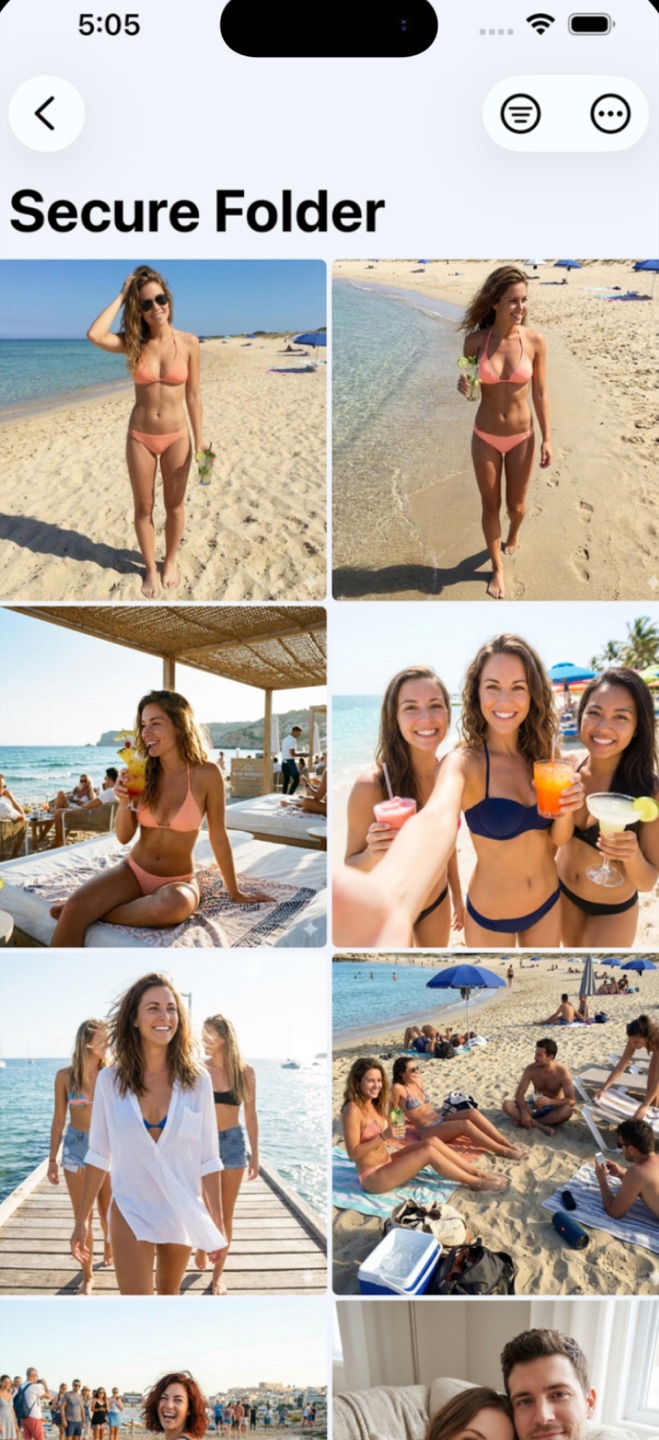
How the hidden gallery works
Pick photos and videos from your camera roll and import them into the vault. They're copied into the app's protected storage, organized into folders you control, and shown only after you unlock with your PIN or Face ID. Secure Folder can delete the originals when you import, or you can delete them from Photos yourself. After that, they no longer appear for anyone scrolling your camera roll, your iCloud photo grid, or the Hidden album.
Apple's support docs point out that a deleted photo isn't gone: it sits in the Recently Deleted album for 30 days. Since iOS 16 that album is locked too, but anyone who knows your iPhone passcode can open it and restore the photo. So once the originals are deleted, clear them from Recently Deleted as well.
The vault opens instantly with Face ID or Touch ID when you enable biometrics, with your PIN as the fallback. Auto-Lock locks the vault again as soon as you leave the app.
Files, documents, and notes
The same protected space handles PDFs, scans, personal records, and private notes. Paperwork you wouldn't leave on the kitchen table, such as IDs, contracts, and medical letters, can live behind the same PIN as your photos and sit in folders instead of being scattered across the Files app.
How this differs from the Hidden album
The Hidden album takes photos out of the main grid, but it sits in a known place and opens with the same Face ID or passcode as the phone. Secure Folder has its own PIN, plus a decoy vault and an intruder log. The guide below compares the two side by side.
Common questions
Are my photos uploaded anywhere when I hide them?
No. Secure Folder stores imported photos, videos, and files on your iPhone, inside the app's protected storage, and the app never uploads them. There is no account and no cloud sync, so the app's developer cannot see your content.
Do hidden photos still appear in the Photos app or iCloud?
Importing copies a photo into the vault. The original stays in your Photos app (and iCloud, if you sync) until you delete it. You can delete it yourself, or choose whether to use Auto-Delete Originals when the app asks "Remove originals after import?" during your first photo import. You can change that setting later in Settings.
Is Secure Folder free?
Yes, it's free to download. Premium, the paid upgrade, adds the decoy vault and intruder alerts.
Try it on your own photos.
Free to download. Set your PIN in under a minute.