Guides
Are Photo Vault Apps Safe to Use? Common Privacy Concerns Answered
Mehmet Ali Kısacık · Developer of Secure Folder · July 23, 2026 · 5 min read
Updated October 4, 2026
Is a photo vault app safe on iPhone? Yes, when it keeps your private files on the iPhone, asks only for the access it needs, and opens with its own PIN instead of simply relying on the iPhone passcode.
Hide private photos in a PIN-protected vault.
Secure Folder is free to download on the App Store, and your photos and videos stay on your iPhone.
In this article
What a photo vault app does
A photo vault app is a separate app where you import private photos and open them behind the vault's lock. That is different from Apple's Hidden album, which is part of Photos.1
Apple says third-party iOS apps are sandboxed, and that sandboxing is designed to keep one app from gathering or changing information stored by another. That separation is part of the protection model, while the vault's own storage choices, permissions and lock still need to be checked. If you want the mechanics in more detail, see what actually protects photos in a vault app.2
First check where the vault keeps your photos
Does the app keep imported files on your iPhone or upload them somewhere else, and does it require an account or e-mail? Read the listing and privacy policy before importing anything, then watch what the app asks you to set up on first launch.
If your goal is to keep private photos off remote services, look for a vault that clearly says its files stay on the device and does not require cloud sync for the vault to work. The on-device versus cloud distinction is worth checking separately when an app offers syncing.
Removing a vault app is a different decision from installing one. Before you uninstall one, understand what happens to the vault's data when the app is removed.
Read the App Store privacy details before installing
The App Store privacy section can tell you about some data types an app may collect and whether that data is linked to you or used for tracking. For a photo vault, compare those disclosures with the job you expect the app to do and read the privacy policy when the collection does not make sense to you.3
The privacy details are one useful pre-install check among several. Apple requires developers to provide this information and keep it accurate, so you can use the listing to decide what deserves a closer look after installation.3
Check exactly what photo access the app requests
When a vault asks for access to Photos, read the permission choice rather than tapping through it. Apple says Full Access lets a third-party app access your photos and videos, including hidden photos even when the Hidden album is locked. Limited Access lets you select which photos and videos the app may access.4
Choose the access level that fits the import you want to perform. If you only intend to bring a few items into a vault, starting with selected photos gives you a narrower permission boundary when the app's workflow supports it.4
You can change an app's photo library access later in Settings under Privacy & Security and Photos.4
Prefer a vault with its own lock
A vault's lock should add a separate check before its private gallery opens. This matters when another person knows the iPhone passcode, such as a family member or partner who sometimes uses the same phone.
If keeping vault access separate from the phone's main unlock matters to you, check for an independent vault PIN before you trust the app with private files.
Verify what the app does with App Privacy Report
After installation, App Privacy Report gives you a way to inspect recent access to privacy-sensitive data and sensors, along with network activity. That lets you compare what the app says it does with activity you can observe on the iPhone.5
Check a vault in App Privacy Report
- 1.
Turn on App Privacy Report
Open Settings, tap Privacy & Security, choose App Privacy Report, then turn it on.5
- 2.
Use the vault normally
Use the app as you normally would after the report is enabled so its data access and network activity can appear in the report.5
- 3.
Check Data & Sensor Access
Review when the app accessed Photos, Camera, Microphone or other privacy-sensitive data during the past 7 days, and compare that activity with what you did in the app.5
- 4.
How Secure Folder: Privacy Vault handles storage and accounts
Secure Folder is a local-only vault. Photos, videos and files stay on your iPhone in the app's protected storage. Nothing is uploaded, it uses no iCloud, and it needs no account or e-mail, so no server holds your vault content.
When you want to move vault items to another iPhone, export them with the share sheet and import them there.
How Secure Folder separates the vault lock from the iPhone passcode
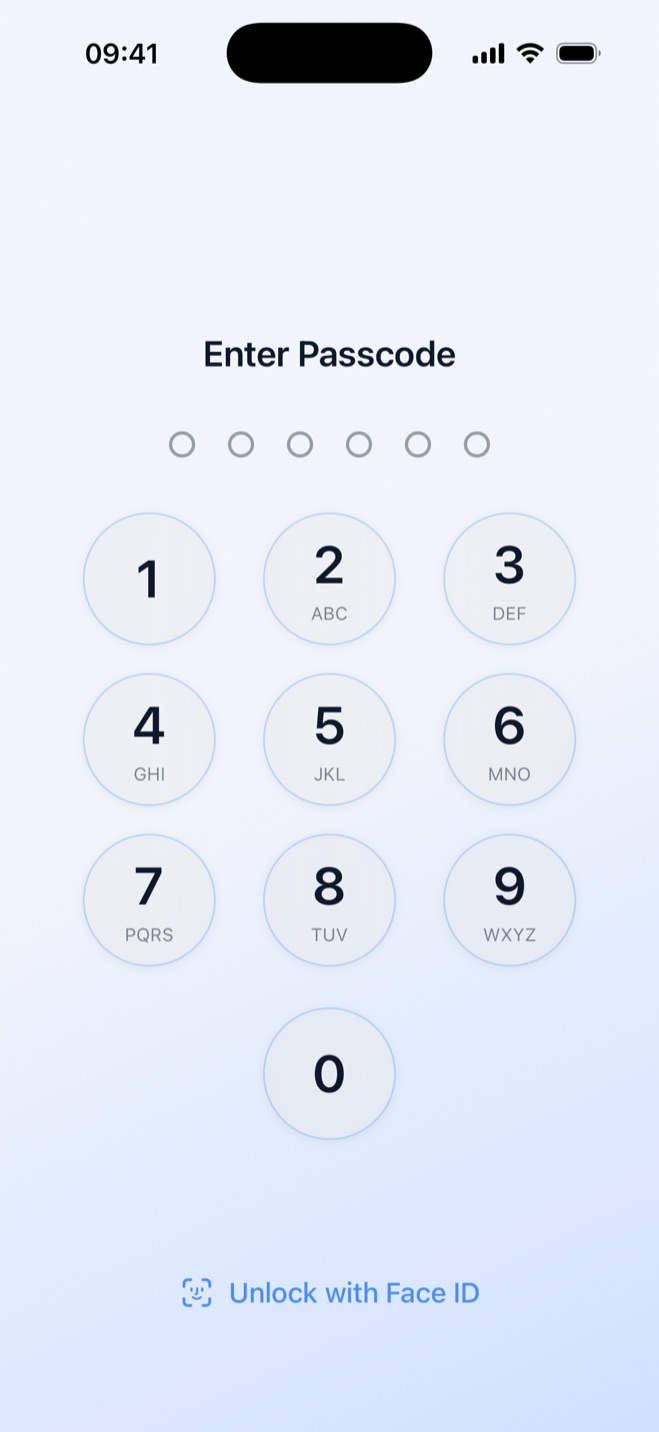
Secure Folder asks you to create a 6-digit numeric PIN at first launch. That PIN is separate from the iPhone passcode, so the iPhone passcode does not open the vault. You can change the vault PIN in the Security tab under Change PIN.
For someone who shares an iPhone passcode or knows that another person has it, the separate vault PIN keeps the private gallery behind its own lock. Secure Folder is a local-only vault with its own 6-digit PIN.
Sources
- 1.Apple Support, “Hide photos and videos,” support.apple.com
- 2.Apple, “Security of runtime process in iOS, iPadOS, and visionOS,” support.apple.com
- 3.Apple Developer, “App Privacy Details on the App Store,” developer.apple.com
- 4.Apple, “Photos & Privacy,” apple.com
- 5.Apple Support, “About App Privacy Report,” support.apple.com