Private Photo Vault App for iPhone: Secure Folder: Privacy Vault
A private photo vault app keeps the photos you pick out of the Photos app and behind its own PIN or Face ID. Secure Folder: Privacy Vault does this on iPhone, in a hidden gallery on the device.
How a private photo vault differs from the Hidden album
When you hide a photo in Photos, it moves to the Hidden album, which sits under Utilities inside the Photos app, and since iOS 16 it opens with the phone's own Face ID, Touch ID or passcode. If you use iCloud Photos, a photo hidden on one device is hidden on your others too.1
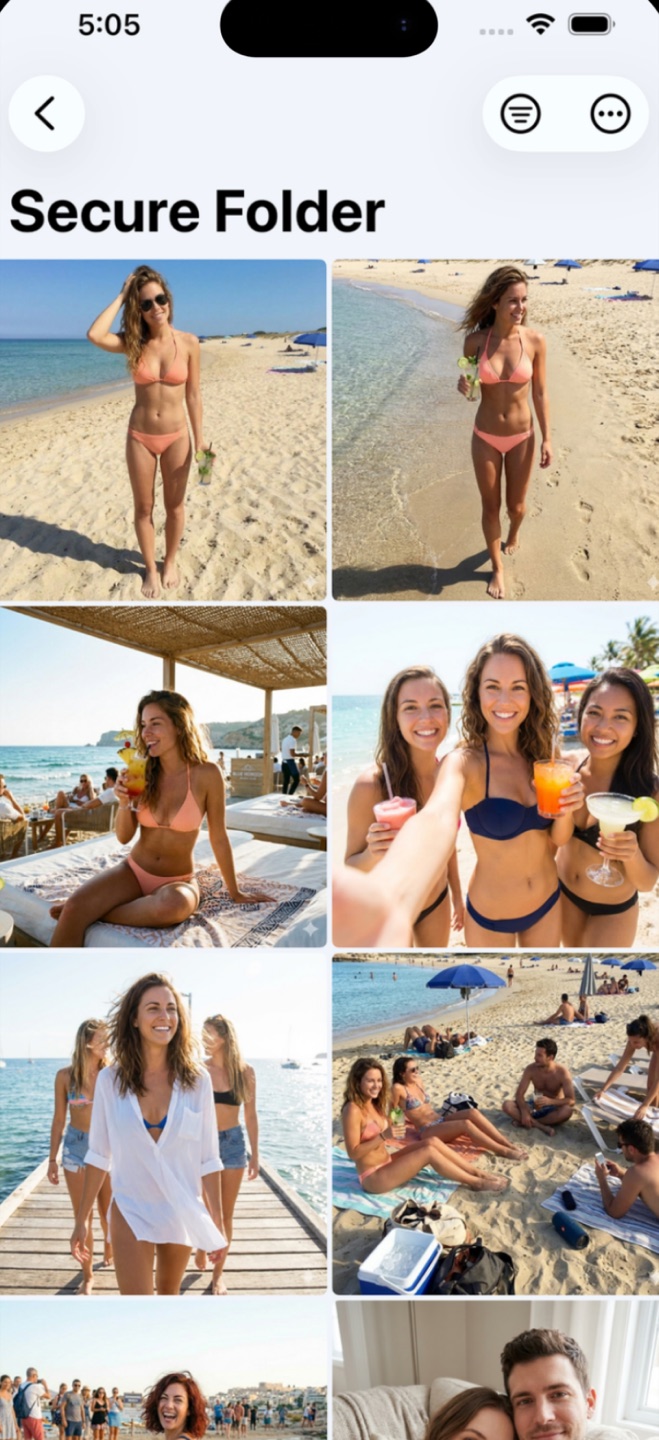
A vault app keeps its own copy of the photo outside Photos, and you can remove the original from the camera roll. In Secure Folder, the photos, videos and files you import live in a separate gallery, and the gallery opens only after the vault is unlocked. Once the original is removed from Photos, the picture no longer shows up when you scroll through your library.
How to save private photos in the vault
- 1.
Import the photos you want to keep private
Pick the photos or videos you want from your Photos library. Each one is copied into the vault's gallery.
- 2.
Answer "Remove originals after import?"
The app asks you this when you import your first photos. Answer yes to take the originals out of Photos, or no to leave them there. Your answer is saved as the Auto-Delete Originals setting, and you can change it later in Settings.
- 3.
Confirm the deletion in iOS
If you chose to remove the originals, iOS asks for confirmation before each deletion. Once you confirm, the photos are gone from the camera roll and remain in the vault.
What opens the vault
The vault has its own 6-digit PIN, set at first launch and separate from the iPhone passcode. A friend who knows your passcode or borrows your phone still needs the vault PIN.
Face ID or Touch ID can open the vault instead of the PIN. Turn it on in the Security tab.
Where the photos are stored
Secure Folder is a local-only vault, so your photos, videos and files stay on the iPhone. Nothing is uploaded and it doesn't use iCloud. You don't need an account or an email address to use it.
To move to a new iPhone, export the items with the share sheet and import them there.
Is Secure Folder free?
Yes. Secure Folder is free to download, and keeping private photos in the vault doesn't cost anything.
Download Secure Folder from the App Store, set the vault PIN when it first opens, then import your first private photos.
Sources
- 1.Apple Support, “Hide photos on your iPhone, iPad, Mac, or Apple Vision Pro with the Hidden album,” support.apple.com