Guides
What Happens to Your Hidden Photos When You Reset or Restore Your iPhone?
Mehmet Ali Kısacık · Developer of Secure Folder · August 2, 2026 · 4 min read
Updated October 4, 2026
What happens to hidden photos when you switch iPhones? If iCloud Photos is on, they stay hidden when the library syncs to the new iPhone. If it is off, they can come back from the backup you restore, provided those photos were included in that backup.
In this article
Why hidden photos move with your library
Apple keeps hidden photos and videos in the Hidden album inside Photos. Hidden items stop appearing in the Library, other albums, and the Photos widget, but remain available in Hidden.1
With iCloud Photos on, Apple says items you hide on one device are hidden on your other devices too. You do not need to unhide them just to move to a new iPhone.1
If you want more detail on the privacy difference between Photos and a separate vault, compare how the two approaches handle hidden photos.
What each move or restore path does
The path you choose determines where your Photos library comes from. Hidden items return when that library is synced or restored to the iPhone.1,2,3,4
| Path | Where hidden photos come from | What needs to be true first |
|---|---|---|
| Quick Start | From the old iPhone during direct transfer, or from iCloud if you choose an iCloud setup path. | Keep the old device available for Quick Start. If you download from iCloud, photos and other iCloud content can continue downloading after setup. |
| Restore from iCloud Backup | From iCloud Photos if it was enabled. Otherwise, photos and videos may be included in the iCloud backup. | A suitable iCloud backup must exist. Photos already synced with iCloud Photos are not stored in the daily iCloud backup. |
| Erase, then restore the same iPhone | From iCloud Photos, or from the backup you choose during setup after the erase. | Confirm your Photos library is synced or backed up before you erase the device. |
Where to find hidden photos after setup
After setup, open Photos and find the Hidden album under Utilities. Since iOS 16, Apple locks Hidden by default. Apple's Personal Safety guide says it can use Face ID, Touch ID, or the iPhone passcode to open.1,7
If the Hidden album looks empty or missing
What to check before you erase your iPhone
Run these checks before Erase All Content and Settings
- 1.
- 2.
- 3.
Confirm you know the iPhone passcode
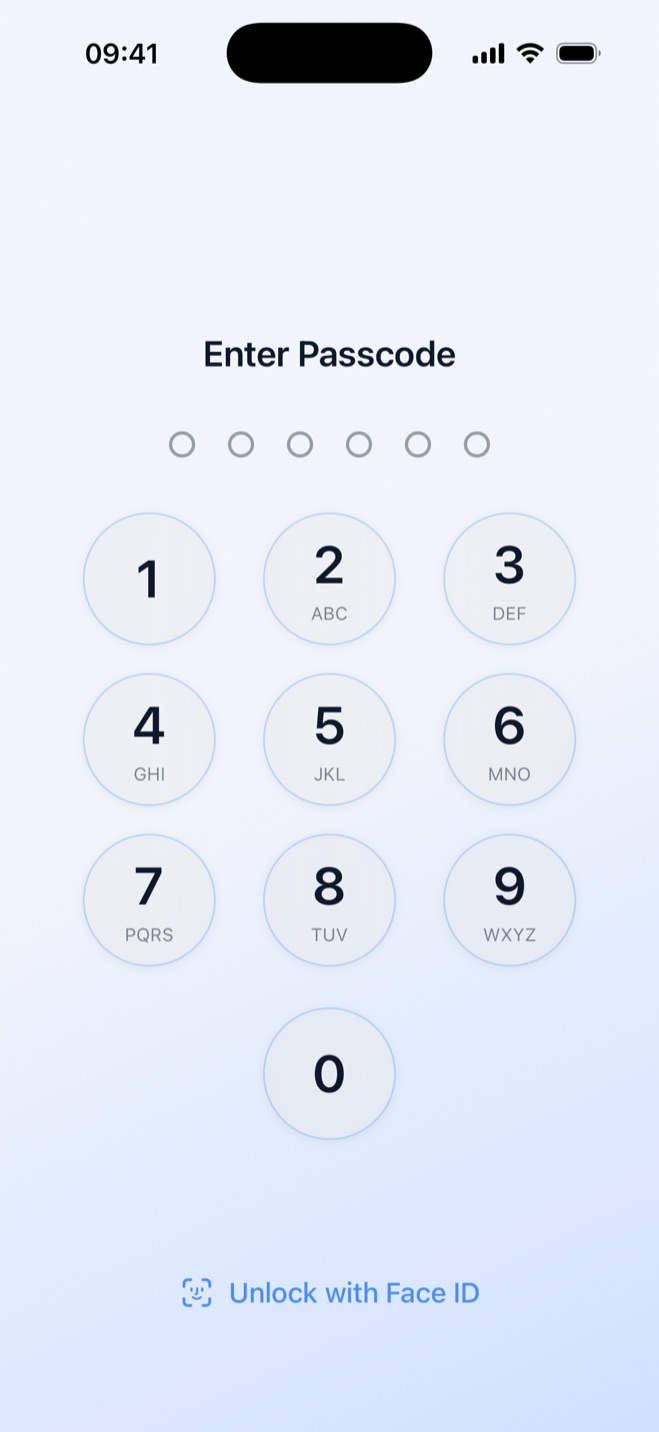
The Hidden album can use Face ID, Touch ID, or the iPhone passcode, so confirm you can authenticate before you erase.7
- 4.
Erase only after the checks are complete
Erase All Content and Settings removes photos, apps, and other content from the iPhone itself. Apple says the erase does not delete content already stored in iCloud.6
If you are preparing to hand the phone to someone else, use the separate pre-sale erase checklist after confirming the photos you want to keep are synced or backed up.
If you keep some photos outside Photos
For photos you want outside Apple's Photos library, Secure Folder: Privacy Vault can import them into its own hidden gallery, and you can then remove the originals from Photos. The vault uses its own 6-digit PIN, separate from the iPhone passcode.
Secure Folder is local-only: nothing is uploaded, it uses no iCloud, and it needs no account or email. To move vault items to a new iPhone, export them with the share sheet and import them into Secure Folder there.
The practical difference on a new iPhone is that Apple's Hidden album returns with the Photos library and uses device authentication, while Secure Folder keeps imported content behind its separate vault PIN.1,7
If you are deciding where different photos should live, compare the two privacy models.
Hide private photos in a PIN-protected vault.
Secure Folder is free to download on the App Store, and your photos and videos stay on your iPhone.
Sources
- 1.Apple Support, “Hide photos on your iPhone, iPad, Mac, or Apple Vision Pro with the Hidden album,” support.apple.com
- 2.Apple Support, “What does iCloud back up?,” support.apple.com
- 3.Apple Support, “Use Quick Start to transfer data to a new iPhone or iPad,” support.apple.com
- 4.Apple Support, “Use iCloud to transfer data from your previous iOS or iPadOS device to your new iPhone or iPad,” support.apple.com
- 5.Apple Support, “Backup methods for iPhone or iPad,” support.apple.com
- 6.Apple Support, “What to do before you sell, give away, or trade in your iPhone or iPad,” support.apple.com
- 7.Apple Support, “Apple Personal Safety User Guide: hide photos and videos,” support.apple.com
- 8.Apple Support, “If you forgot your iPhone, iPad, or Apple Vision Pro passcode, reset your device without a computer,” support.apple.com