Calculator hide app for iPhone: Hide photos behind a working calculator
If you're looking for a calculator hide app for iPhone, Secure Folder: Privacy Vault looks and works like a calculator while keeping private photos and videos behind it. It opens as a working calculator with a private gallery behind it.
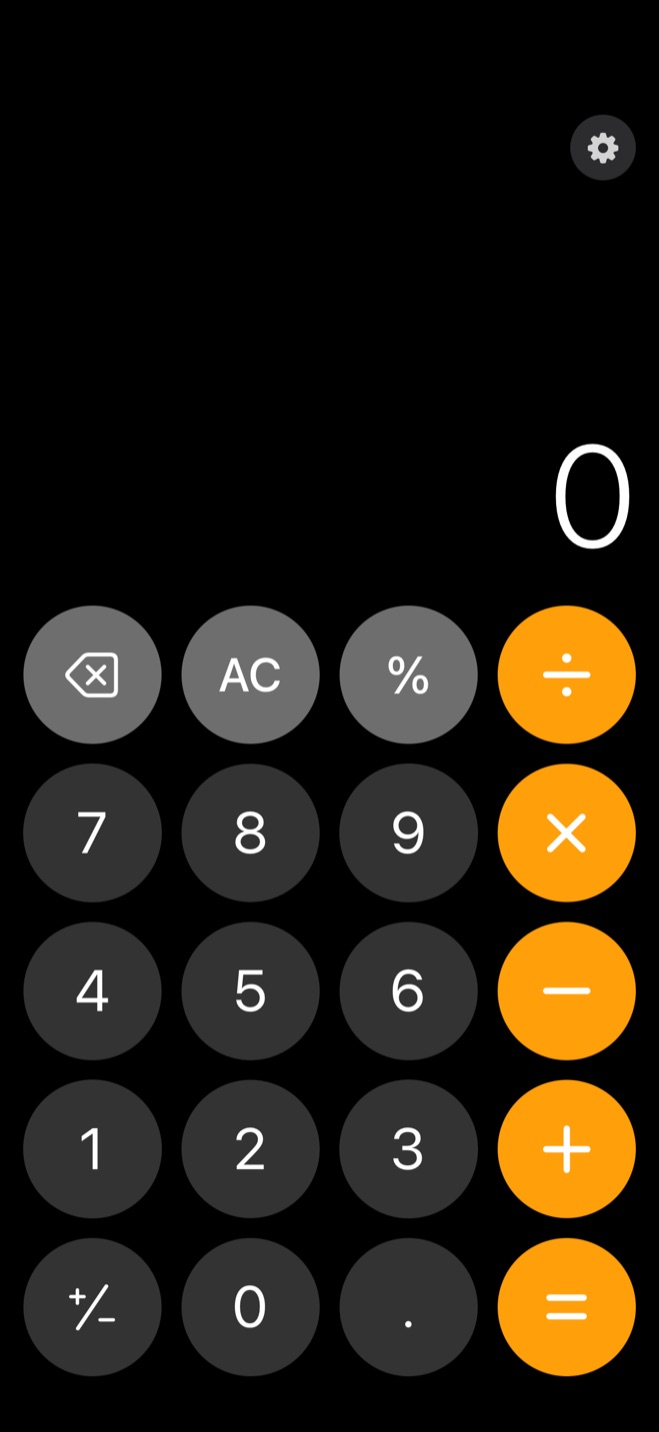
What someone sees when they open it
Open Secure Folder with the calculator disguise enabled and it shows a calculator that really works. Someone who taps the app can use the keypad as a normal calculator without seeing the photos and videos kept behind it.
How you get from the calculator to your photos
To open the vault, you use a separate PIN screen. Your 6-digit vault PIN is entered on the real PIN pad, not into the calculator, and it is separate from your iPhone passcode.
Open the vault from the calculator
- 1.
Open the app
The working calculator screen appears.
- 2.
Tap the gear
Use the gear at the top right to open the vault's real PIN pad.
- 3.
Enter your 6-digit PIN
Enter the vault PIN on the PIN pad. The PIN is never typed into the calculator.
- 4.
Open the gallery
After the vault is unlocked, the private gallery opens.
A calculator-style icon on the Home Screen
Stealth mode can swap the app's Home Screen icon for an ordinary-looking calculator-style icon. You choose the icon in the Security tab, and the same icon appears in App Library and search.
What stays behind the calculator
Secure Folder keeps imported photos, videos and files in a separate gallery that opens after the vault is unlocked. Its thumbnails appear inside the vault instead of in the camera roll.
This keeps private photos and videos separate from the ones you normally browse in Photos.
What happens to the originals in Photos
Importing a photo puts a copy in the vault. On the first photo import, Secure Folder asks whether to remove the originals after import; your choice is saved as the Auto-Delete Originals setting and can be changed later in Settings. iOS asks for confirmation before each deletion.
If you choose to remove the originals, they leave the Photos library while the copies remain in the vault. You can also restore vault items to Photos later.
Photos and videos deleted from the Photos app stay in Apple's Recently Deleted collection for 30 days before permanent removal unless you delete them there sooner.1
Your photos stay on the iPhone
Secure Folder is a local-only vault. Nothing is uploaded, it does not use iCloud, and it needs no account or email.
Your photos, videos and files stay on the iPhone rather than being held on a server.
Sources
- 1.Apple, “Delete or hide photos and videos on iPhone,” support.apple.com