Vault App for iPhone: A Separate Local Vault for Private Photos, Videos and Files
If you're looking for a vault app for iPhone, Secure Folder: Privacy Vault keeps imported photos, videos and files in a separate local vault with its own 6-digit PIN. Everything stays on the iPhone, with no account or e-mail required.
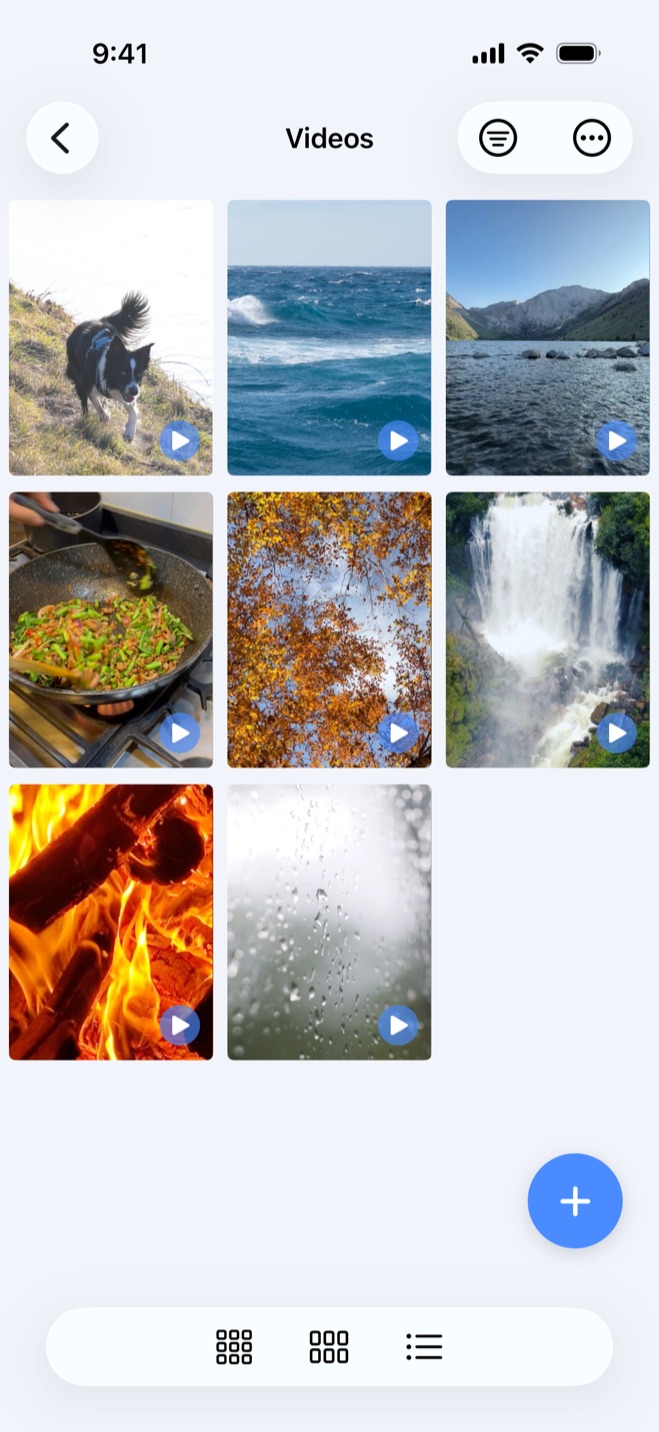
Your private items stay on your iPhone
Secure Folder stores imported photos, videos and files on the iPhone. Nothing is uploaded, and the vault does not use iCloud or store those items on a server.
You do not need an account or e-mail address to use the vault. Your private gallery stays local instead of depending on cloud storage.
Keep photos, videos and files in a separate gallery
Import photos, videos and files into Secure Folder and browse them in its own gallery after unlocking the vault. You can organize private items in folders, and the gallery's thumbnails are stored in the vault instead of the camera roll.
When you import photos, you choose whether their originals are removed from Photos or left there. If you bring in a file from the Files app, you can also choose whether its original stays there or is removed.
That separate gallery is different from Apple’s Hidden album. If you use iCloud Photos, photos hidden on one device are hidden on your other devices too.1
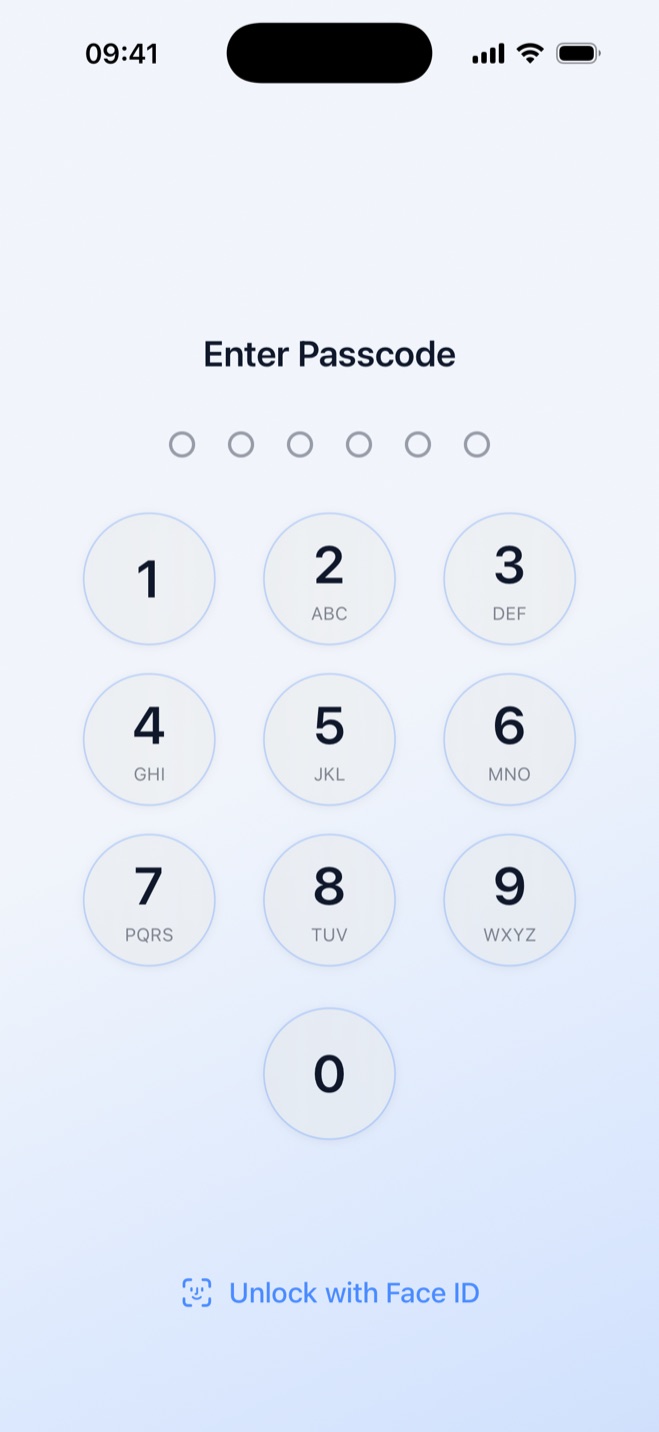
The vault has its own 6-digit PIN
At first launch, you set a separate 6-digit PIN for the vault. Even if you lend someone your phone or share your iPhone passcode with them, they still need the vault PIN to open the private gallery.
Sources
- 1.Apple Support, “Hide photos on your iPhone, iPad, Mac, or Apple Vision Pro with the Hidden album,” support.apple.com
Related: