Folder lock app for iPhone: photos, videos and files behind a PIN or Face ID
The Files app can't lock a folder. With a folder lock app for iPhone, photos, videos and files move into the app's own folders, which won't open without a code. Secure Folder: Privacy Vault keeps every folder behind one 6-digit PIN or your Face ID.
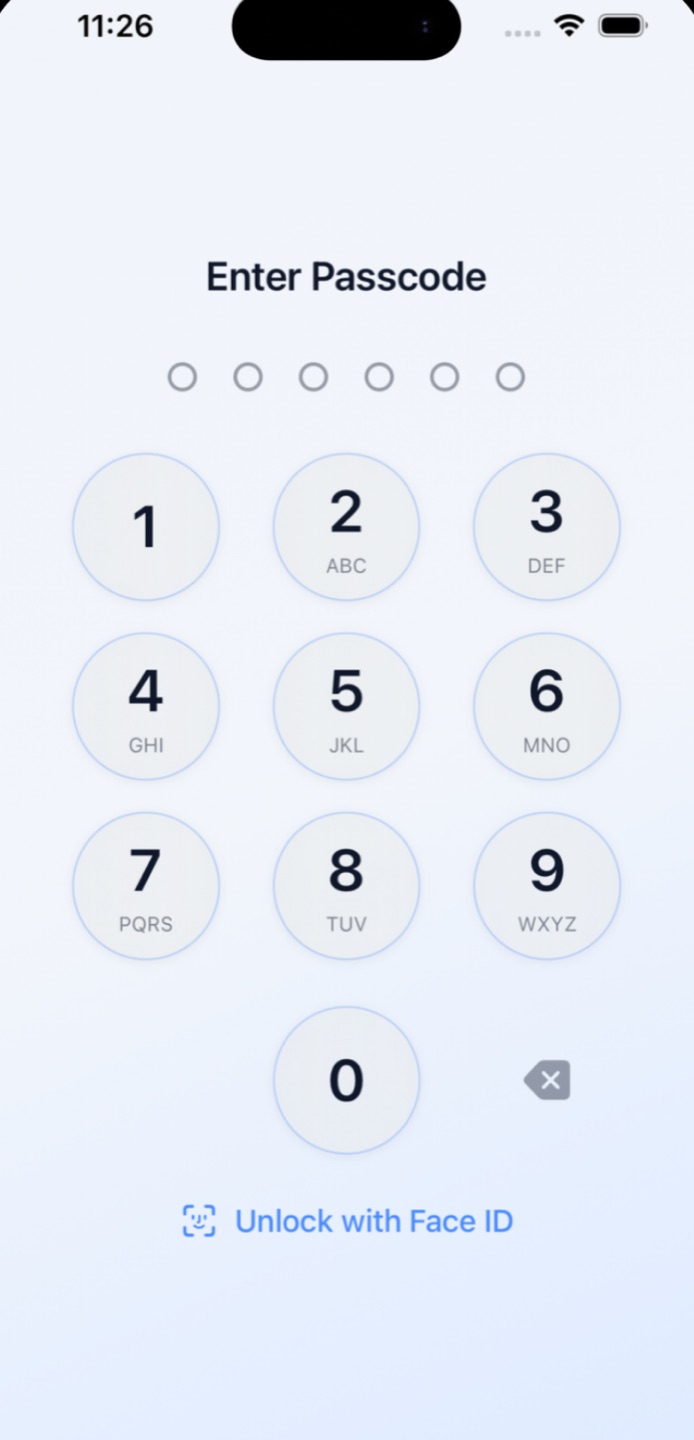
Folders stay hidden until you unlock the app
Anything you bring into Secure Folder goes into the app's own gallery, which opens only after you enter the PIN or use Face ID. Someone scrolling through your phone won't come across any of it.
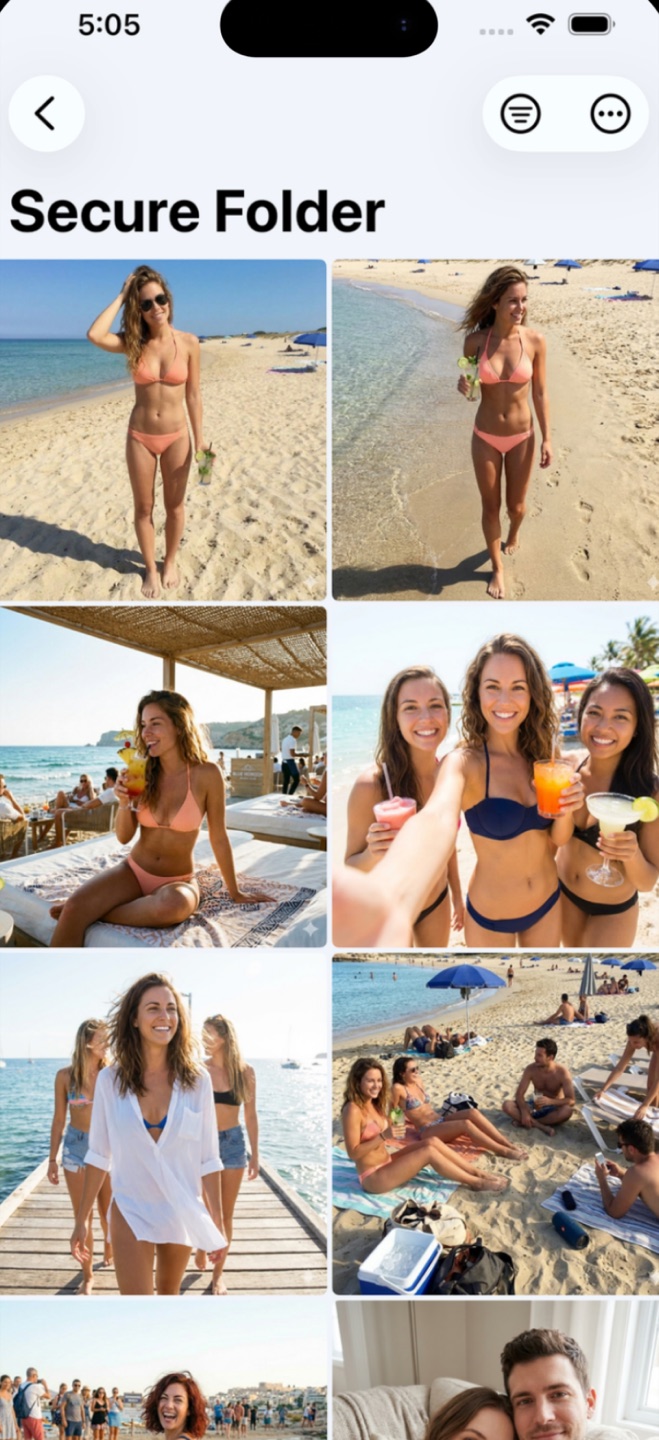
The gallery's thumbnails are kept in the vault, not in the camera roll. Photos, videos and files all sit in the same gallery.
A 6-digit PIN separate from your iPhone passcode
You set it the first time you open Secure Folder.
The separate PIN is there for a phone you share or lend out. A partner, a child or a friend who knows your passcode can unlock the iPhone and look through Photos and Files, and the vault still asks for its own PIN.
On your own phone, switch on Face ID or Touch ID in the Security tab and the vault opens without typing the PIN. You can change it in the same tab, under Change PIN.
Files and PDFs, and what happens to the originals
Secure Folder takes files as well as photos and videos. You can bring a PDF or any other document in from the Files app, and it goes into a vault folder just like a photo.
When you bring a file in, you choose whether its original is removed from Files or kept there.
Photos work the same way. The first time you import a photo, the app asks, "Remove originals after import?" Your answer is saved as the Auto-Delete Originals setting, and you can change it in Settings. iOS asks you to confirm before anything is deleted.
Moving a photo into Secure Folder is not the same as putting it in the Hidden album in Photos. The Hidden album opens with the iPhone's own Face ID or passcode, and it syncs through iCloud Photos when that is turned on. Secure Folder doesn't use iCloud, so the folders stay on your iPhone.
Each folder has its own color and cover
Everything in the vault is organized in folders, and a different color and cover on each one keeps your private sets easy to tell apart. All of them open with the same vault PIN or Face ID.
A folder can hold sections, and its items sort by date added, original date, name or size.
Try it on your own photos.
Free to download. Set your PIN in under a minute.